Download Notchless
Download Notchless for Mac to recover menu bar icons hidden behind the MacBook notch, open any menu bar app from your keyboard, and assign shortcuts to the tools you use most.
The latest signed and notarized macOS DMG is live now from the official CDN download link.
Setup steps
Install Notchless and finish first-run setup in a few clear steps.
Step 1
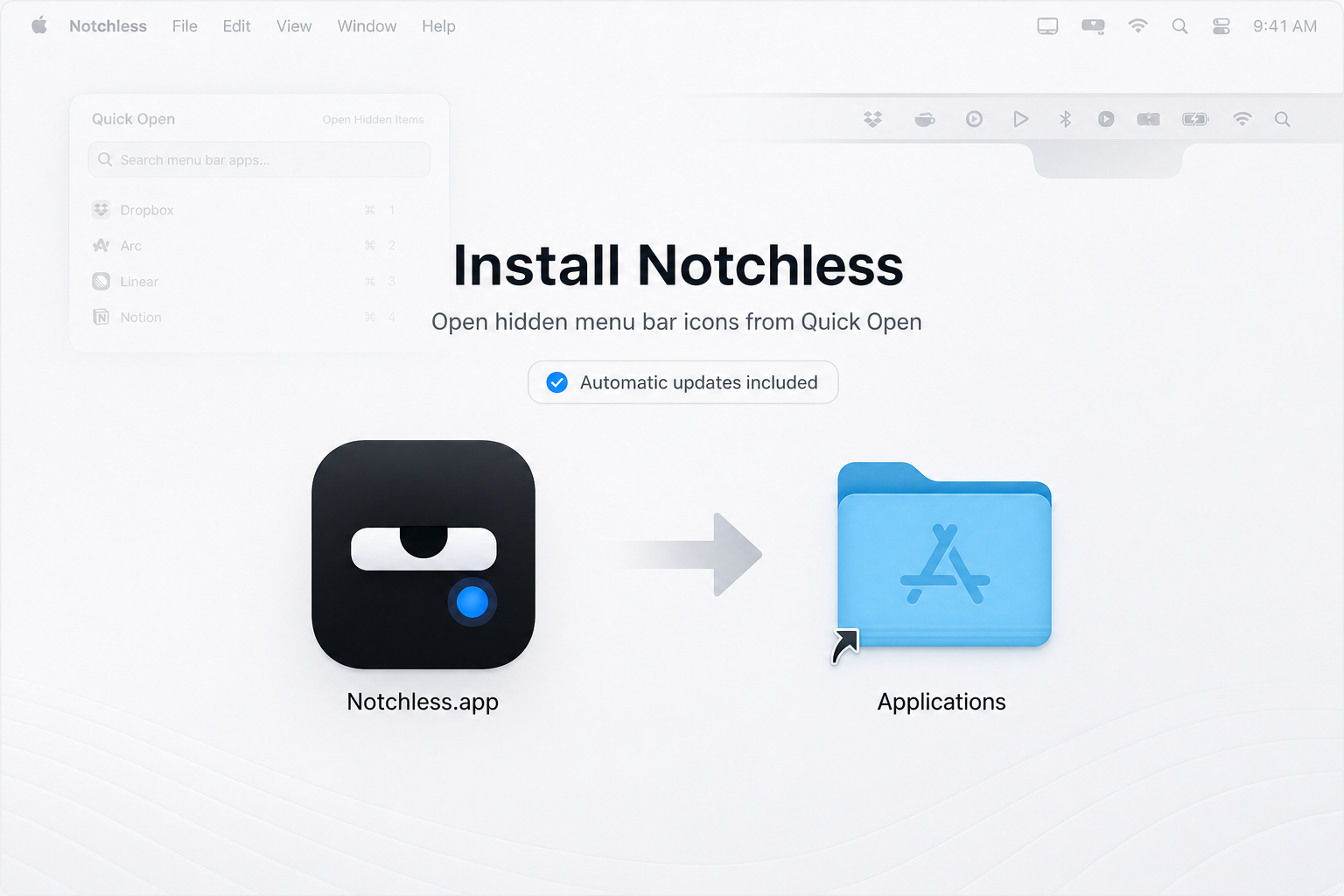
Install Notchless
Open the signed DMG, then drag Notchless into Applications.
Step 2
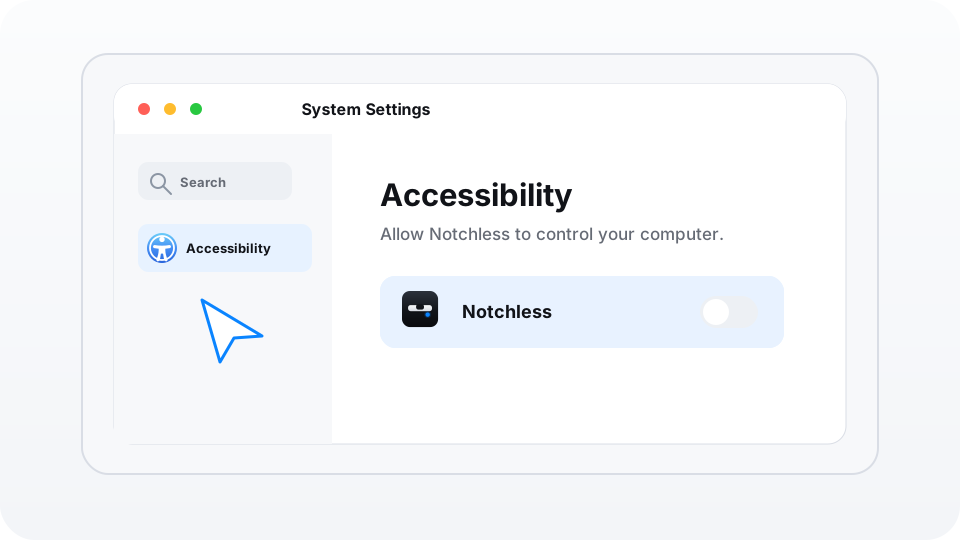
Open Accessibility in System Settings
When prompted, open System Settings, then Privacy & Security, then Accessibility.
Step 3
Enable Notchless and return to the app
Turn on Notchless in Accessibility, then return to Quick Open so the workflow can continue.
Step 4
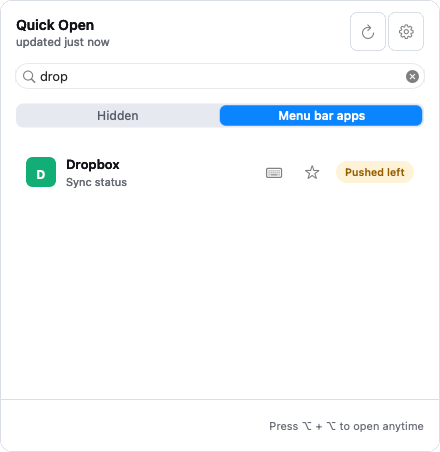
Open a menu bar app from the keyboard
Use Quick Open to search any menu bar app, or assign a direct shortcut to the tools you open most.
Menu bar names, icons, menu titles, and coordinates stay on your Mac for scan, search, and open actions.